Please read carefully and begin your transition as early as possible.
Customer notifications will begin across email, website, social media, and public communication channels. During the transition period, some email functionalities may gradually become unavailable, including sending and receiving emails, before full access to the platform is eventually retired.
BTC will be permanently discontinuing the batelnet.bs. email platform on December 31, 2026 as the platform has reached the end of its lifecycle.
For further support transitioning your email service, please visit a BTC store, call 302-7700 or 302-7200, or reach out to us via email at [email protected].
Discontinuation Schedule:
After this time, customers will no longer be able to access emails associated with this service.
How to Migrate Messages From Your batelnet.bs
To Your New Email.
1 - Create Your New Email Address
Before your current email service closes, we strongly recommend creating a new email account with your preferred provider.

Popular providers include:
• Gmail
• Outlook
• Yahoo
• iCloud

Choose an email address
that is:
• Professional
• Easy to remember
• Something you can use long-term
Example: [email protected]
2 - Save Important Emails & Attachments
Before November 30, review your mailbox and save anything important.

We recommend saving:
• Important emails
• Attachments
• Bills & invoices
• Photos
• Documents
• Receipts
• Contacts
You can:
• Forward emails to your new address
• Download attachments to your computer
• Export contacts if available
Important: After December 31, access to these emails may no longer be possible.
3 - Update Your Important Accounts
This is one of the MOST important steps.
Many websites use your email address for: Password resets - Security verification - Billing notifications - Important communications

Please update your email address on:
• Online banking
• Government services
• Shopping websites
• Credit cards
• Online banking
• Government services
• Shopping websites
• Credit cards
• Subscription services
• Insurance providers
• Social media accounts
Tip: Start with your most important accounts first.

4 - Notify Your Contacts
This is one of the MOST important steps.
Many websites use your email address for: Password resets - Security verification - Billing notifications - Important communications

Please update your email address on:
• Friends and family
• Schools
• Subscription services
• Employers
• Doctors
• Service providers
Example: Hello, please note that my email address has changed. My new email is: [email protected]
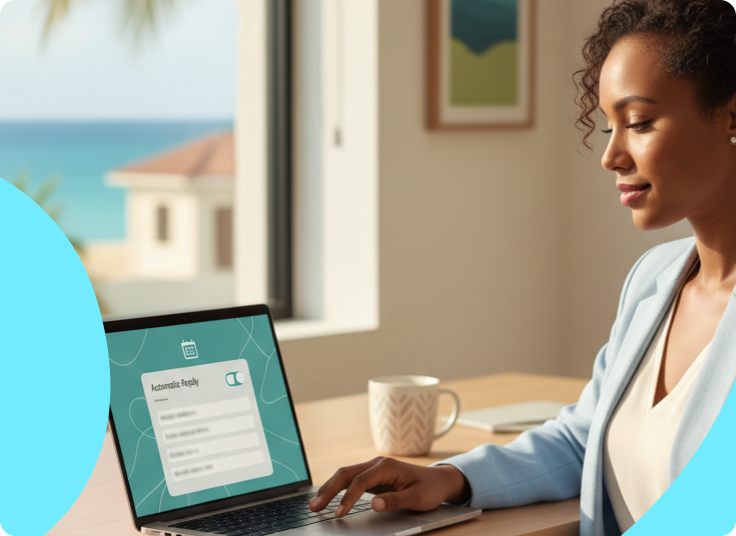
5 - Set Up an Auto-Reply
We strongly recommend setting up an automatic reply on your old mailbox as soon as possible.
This will help notify anyone emailing you that your address is changing.

Suggested Auto-Reply Message:
Thank you for your email.
Please note that this email address will soon no longer be active.
Kindly contact me at: [email protected] moving forward.
6 - Set Up Email Forwarding

Enable email forwarding during the transition period.
This means emails sent to your old address can automatically arrive in your new mailbox while people adjust to your new contact information.
7 - Double Check Everything Before November 30
Before the service officially closes, make sure you have:
Please update your email address on:
• Created your new email address
• Updated your online accounts
• Set up auto-reply
• Shopping websites
• Social media accounts
• Google accounts
• Saved important emails and attachments
• Notified important contacts
• Enabled forwarding (if available)
• Utilities
• Credit cards
Tip: Start with your most important accounts first.
Common questions
Will I lose my emails?
The service will be fully discontinued on December 31. You will lose access to your email after the service is discontinued.
Can I still receive emails after November 30?
Yes, but you will no longer be able to SEND emails.
Can I still receive emails after December 15?
No. Incoming emails will stop after December 15.
What happens if I forget to update an account?
You may miss important notifications or have difficulty recovering passwords later.
Let's get in touch
Leave us your number
One of our specialists will be in contact soon to answer all your inquiries.
Contact us
You can call the following number and speak directly with one of our specialists:
242-302-7200.
Checkout SelfCare
Access the platform to pay bills, check invoices, and manage services online.